
Textures, decoded
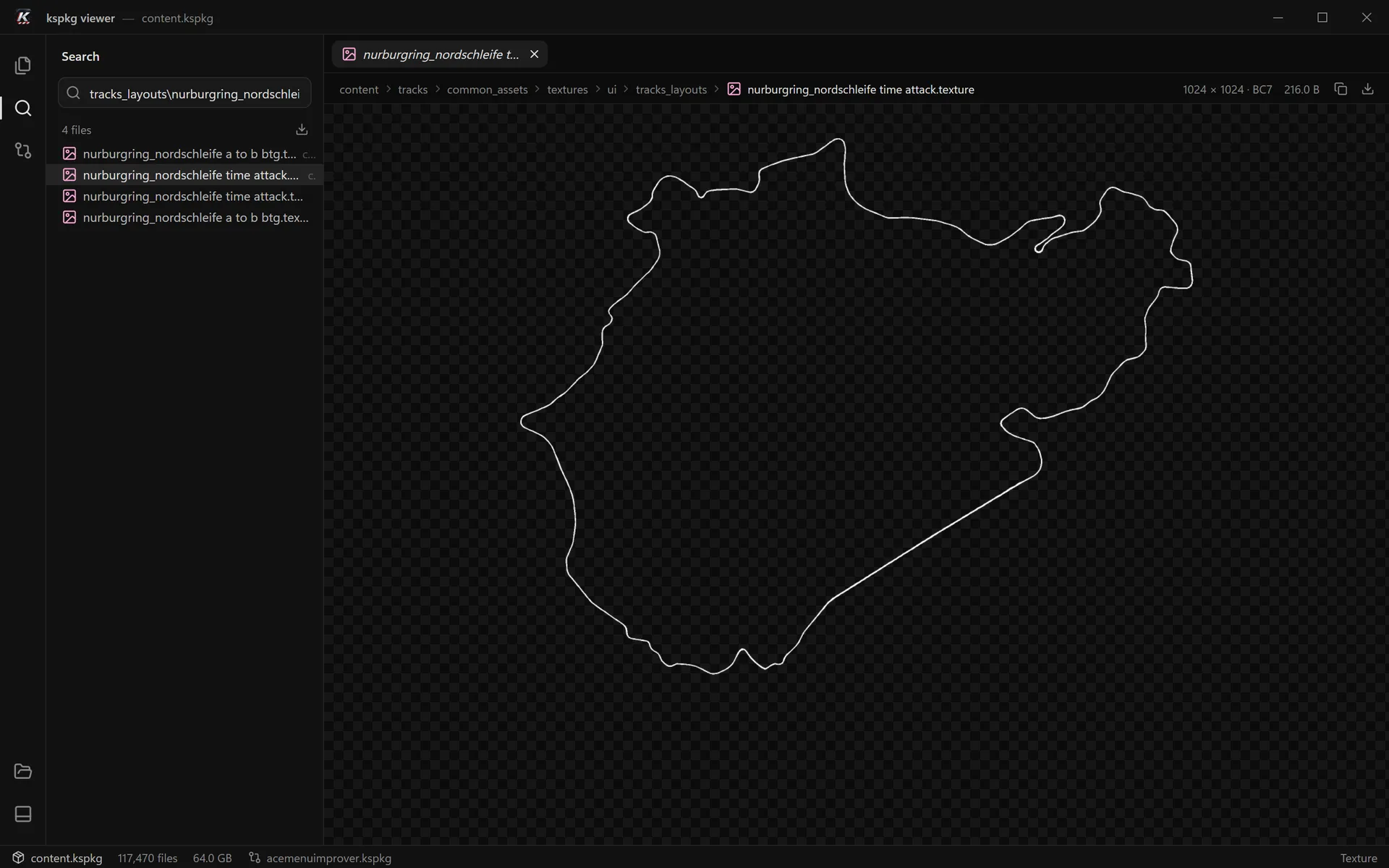
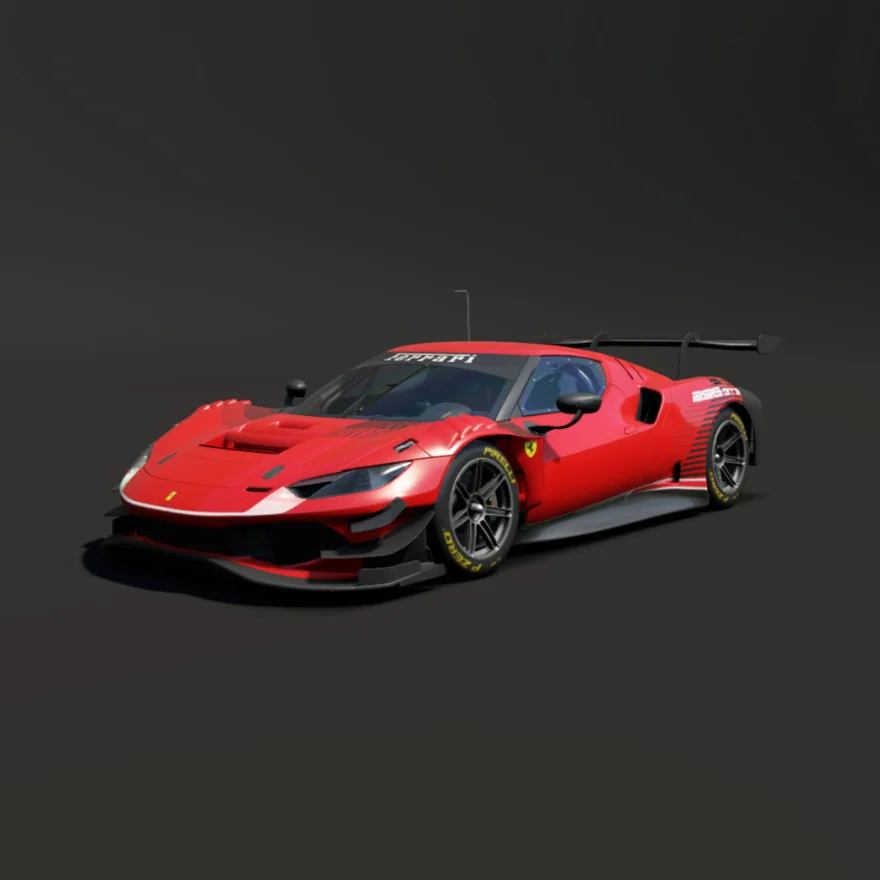
The game’s .texture and .texturemips files open as images: BC1–BC7, RGBA and 16-bit float. Transparency shows on a checkerboard, and a click switches between fit and actual size.
kspkg viewer is a free Windows app for browsing, inspecting, extracting and comparing the game’s packages: its own content.kspkg and every mod. It works like VS Code, for game archives, and it never changes a byte.
Inside the viewer
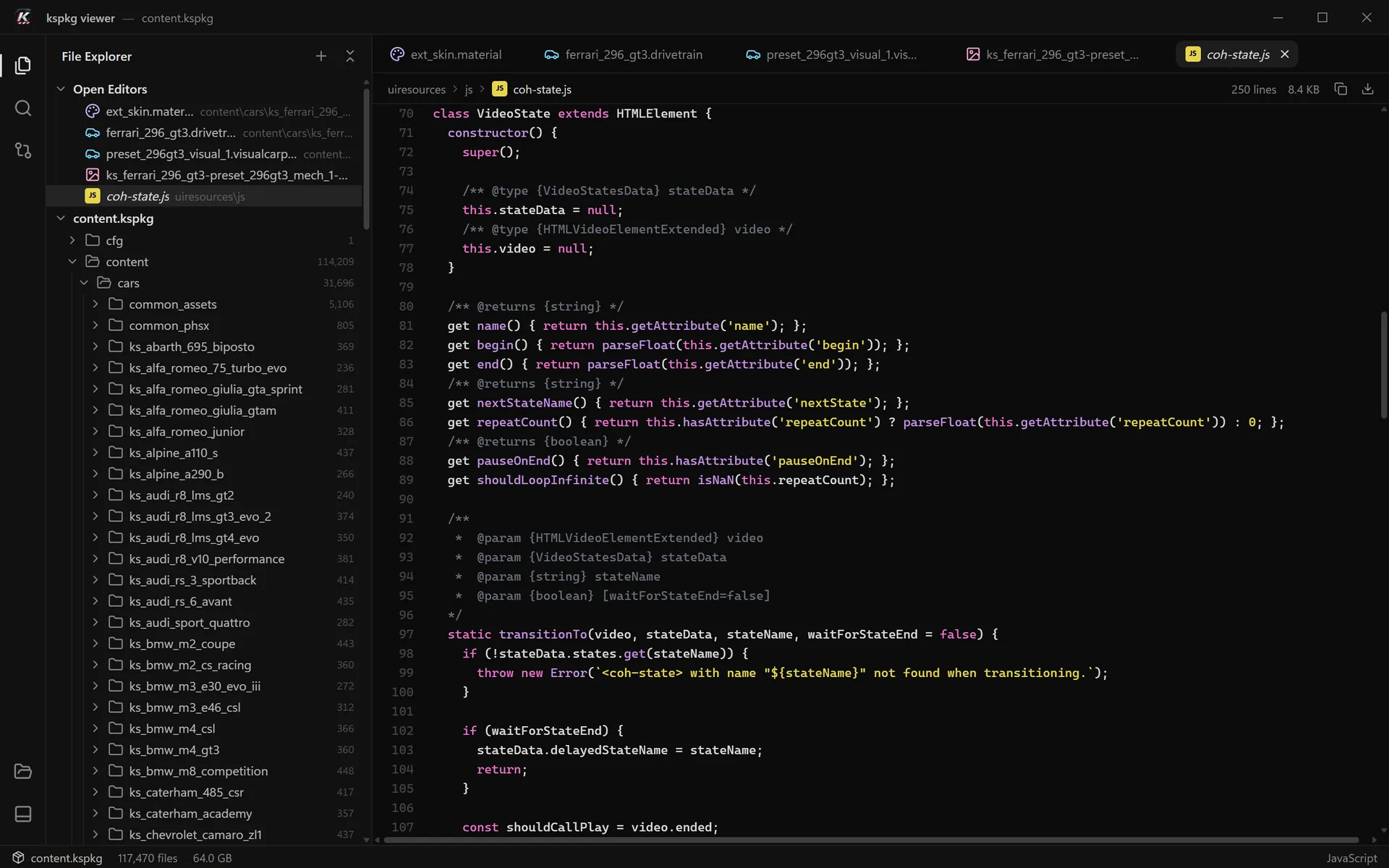
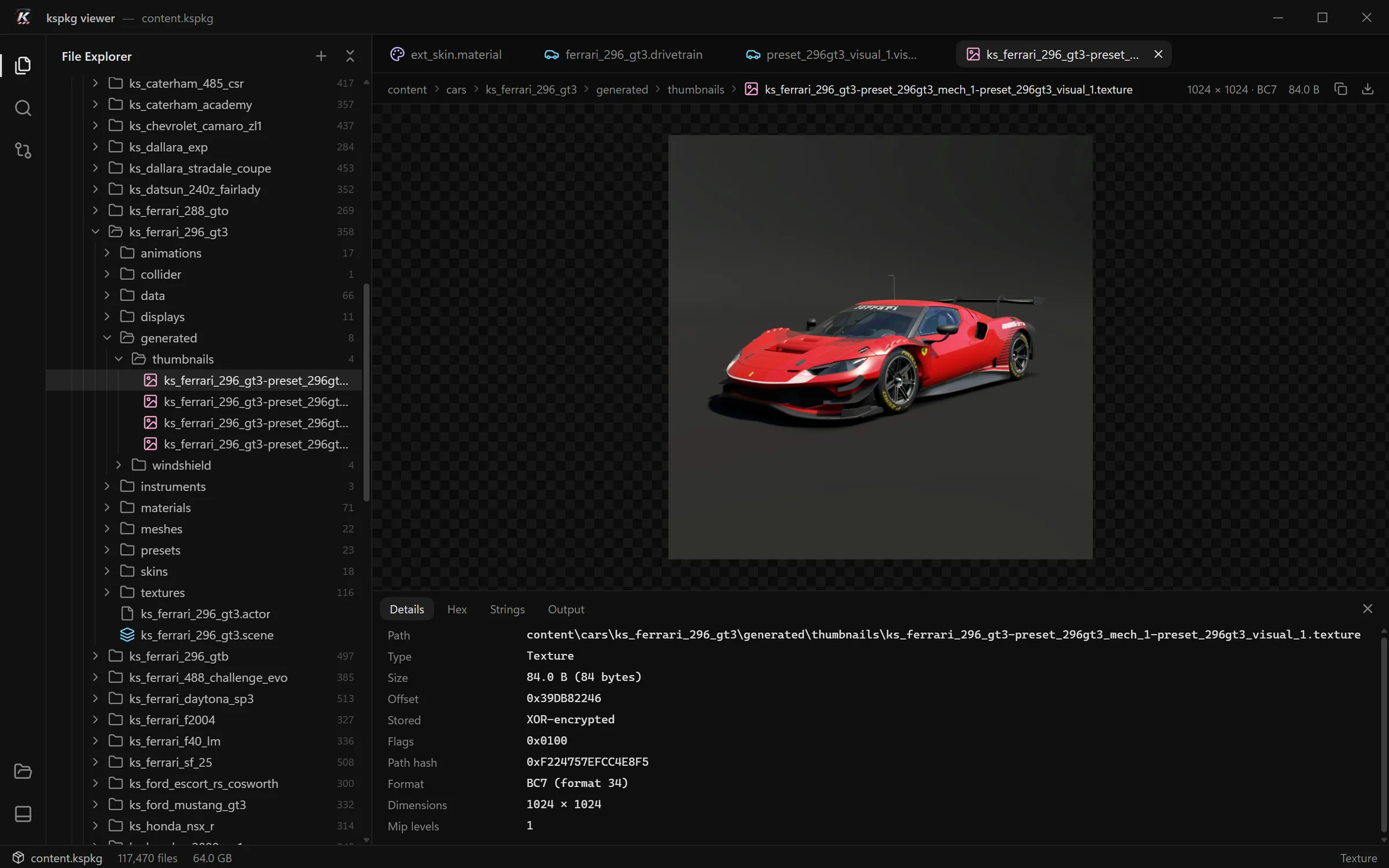
An explorer, search, tabs and a bottom panel, so if you’ve used VS Code you already know your way around. A single click opens a preview tab; a double-click keeps it.
The game’s .texture and .texturemips files open as images: BC1–BC7, RGBA and 16-bit float. Transparency shows on a checkerboard, and a click switches between fit and actual size.
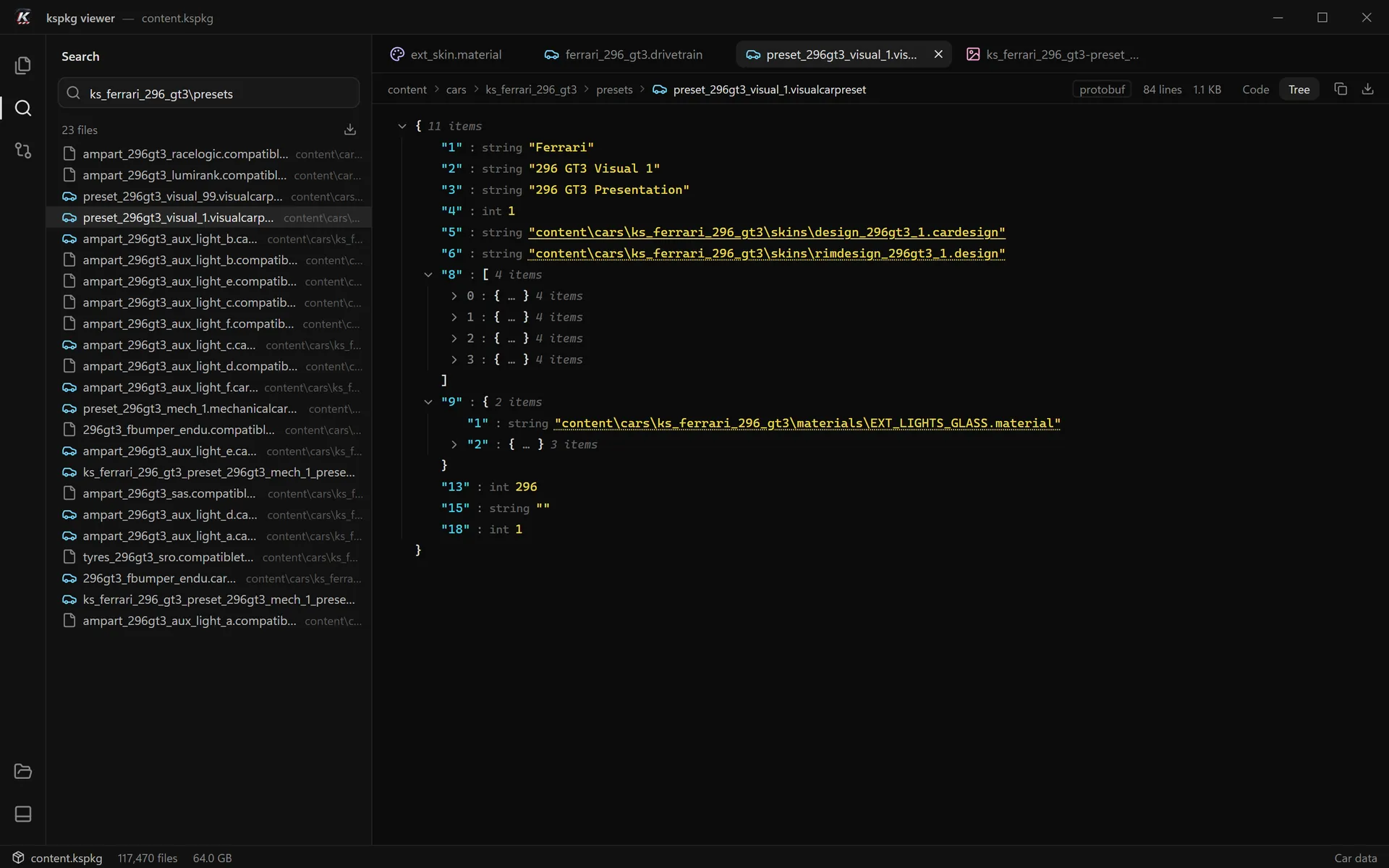
Most game files (.car, .material, .scene, presets) are decoded into a tree you can open and close. Paths to other files in the package are links.
Every word you type must appear somewhere in the path. Try one of these:
No paths match .
Check the spelling, or use fewer words.
This demo searches 86 real paths from content.kspkg in your browser.
Results update on every keystroke, 27–50 ms per change on the full package. Extract every result in one go.
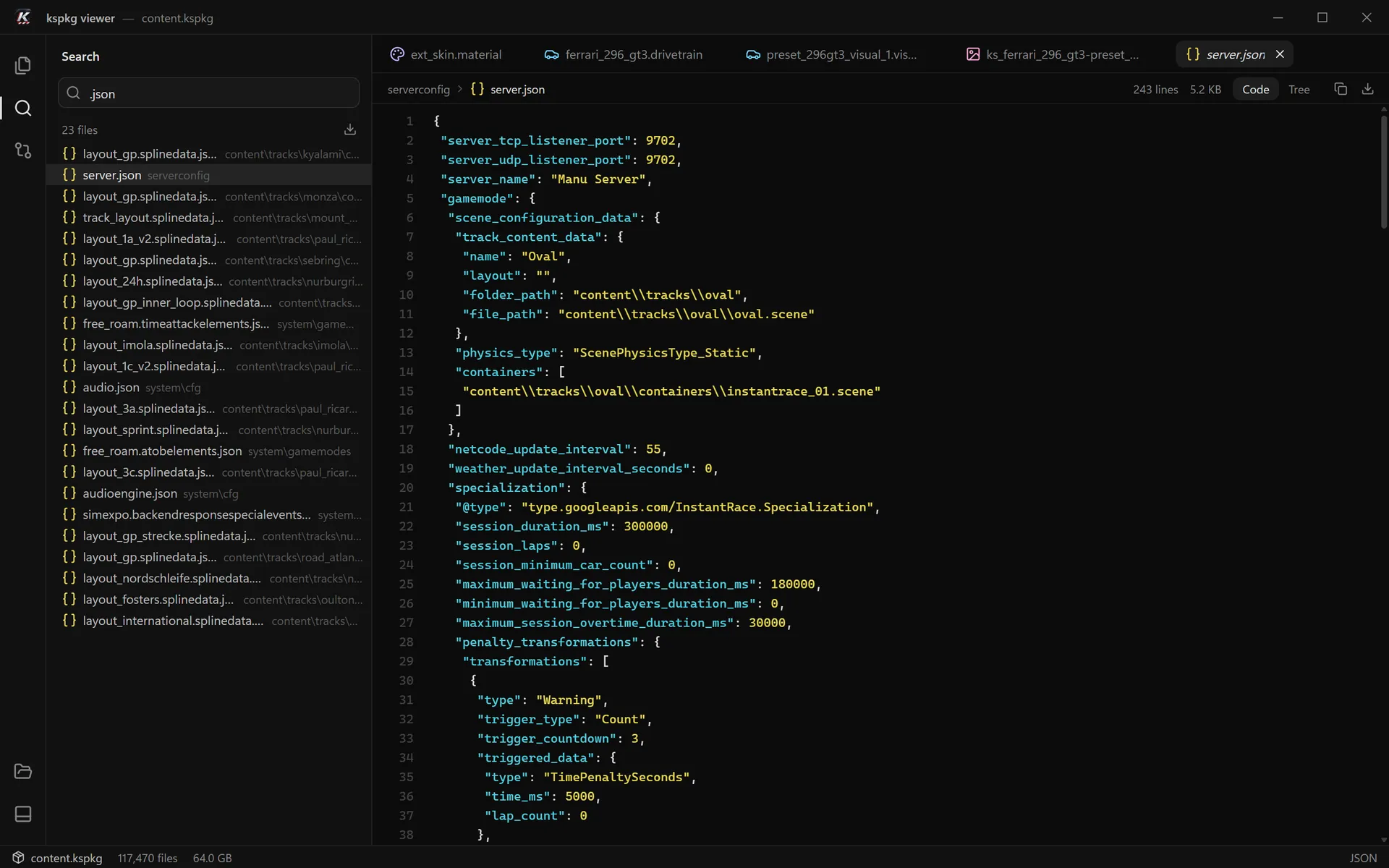
JS/TS, CSS/LESS, JSON and HTML/XML get syntax colours. JSON can also be shown as a tree, and large files stay smooth while you scroll.
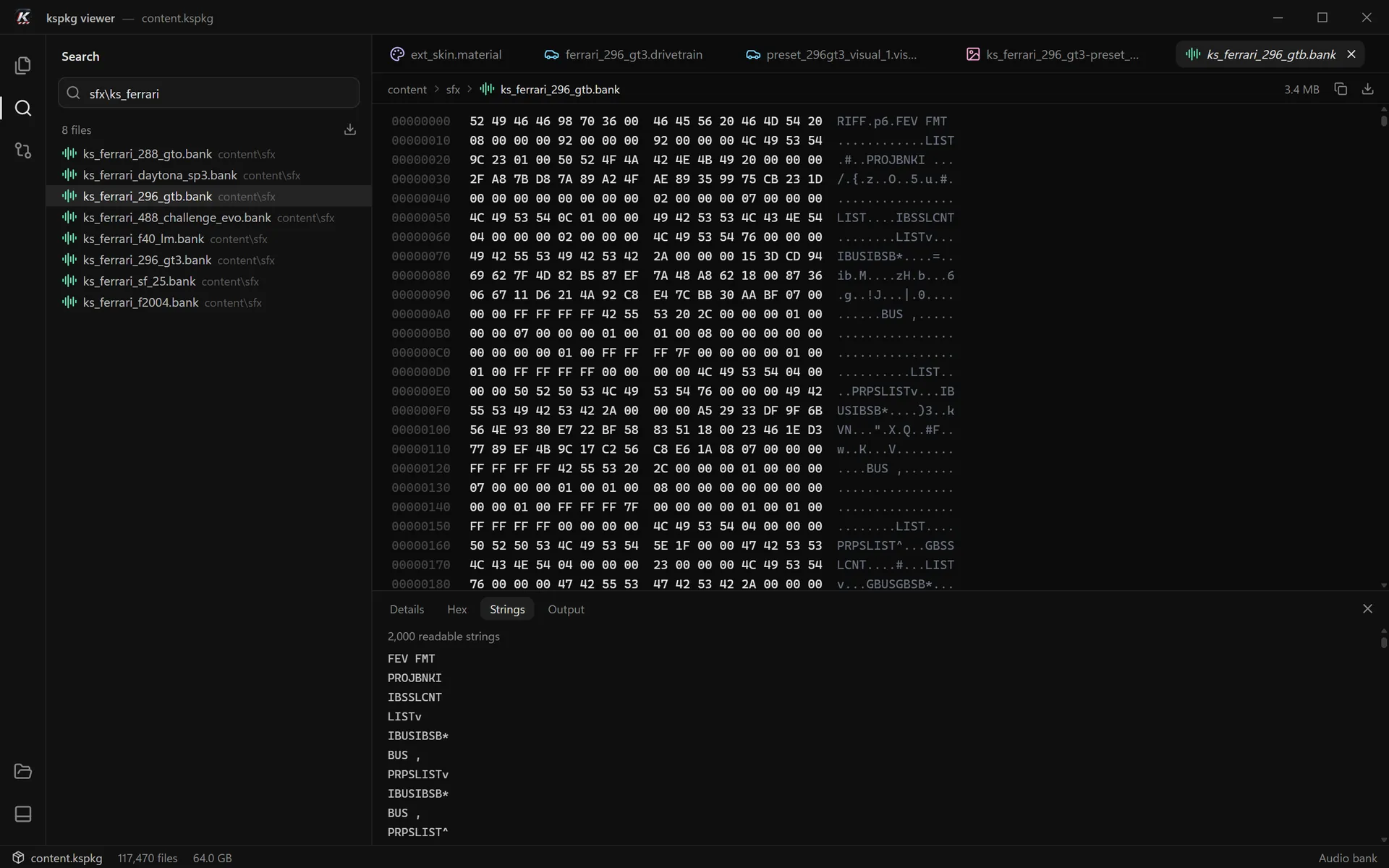
Other binary files open in a hex view, and the Strings panel pulls out the readable text inside them. Details shows size, offset, encryption, flags and path hash.
One file, a whole folder (the button appears when you hover it) or every search result. The package itself is never touched.
Screenshots
Every view below is a screenshot of the release build, with the game’s own 64 GB package open.
01 / 06Ferrari 296 GT3 texture with the explorer tree, tabs and the Details panel.
Compare
Open the game’s package next to a mod and you get every changed, added and removed file in 0.1 s. This is the menu-improver mod against content.kspkg. Try the toggles.
Nothing to show. Every group is hidden, or the filter matches no file.
Changed, added and removed files each get their own group. Show or hide a group, or filter the list by name.
Text files get a coloured diff with +/− counts, and long unchanged stretches fold away.
For binary files it shows the first byte that differs, so you know exactly where to look.
Speed
kspkg viewer only reads the parts of a package it needs, so even the game’s 64 GB package opens almost instantly.
Measured with v0.1.0 on Windows 11 (Ryzen 7 5800X3D, NVMe SSD) using the game’s own content.kspkg.
Read-only
kspkg viewer opens packages read-only, so the game and your mods stay exactly as they were.
Extracting copies files out to a folder you choose, keeps the folder structure, and asks before writing more than 1 GB.
0 % CPU when idle, and about 109 MB of memory with the full 64 GB package open, WebView2 helpers included.
The app makes no network requests. No account, no sign-in, nothing sent anywhere.
Shortcuts
Command line
> kspkg-viewer a.kspkg b.kspkg
Opens a.kspkg and compares it with b.kspkg. A separate small tool lists, extracts and prints statistics.
Free for everyone
No licence key, no account, no pro version. If kspkg viewer saves you an evening of digging through files, you can chip in for the next update.
The app
Donations go through Ko-fi. They don’t unlock anything; they buy time for fixes and the next release.
Opens Ko-fi in a new tab.
No. kspkg viewer only reads packages and never changes them. Extracting writes copies to a folder you pick, asks before writing more than 1 GB, and refuses any path that would end up outside that folder.
The game’s own package is content.kspkg in Steam\steamapps\common\Assetto Corsa EVO. Mods live in Saved Games\ACE\mods. The welcome screen keeps your 5 most recent packages.
Windows 11, or Windows 10 with an up-to-date WebView2. The 5.7 MB installer includes Microsoft’s WebView2 installer and doesn’t need admin rights. Prefer no install at all? Use the portable .exe.
Yes. It reads the encrypted file table, including the layout used by older game versions.
No. The app makes no network requests. The only files it writes are a small recent-packages list and a WebView2 profile of about 36 MB.
Yes, a small tool for listing, extracting and statistics. The app itself also takes packages on the command line: kspkg-viewer a.kspkg b.kspkg opens one and compares it with the other.
Start here
Download, press Ctrl+O, pick content.kspkg. That’s the whole setup.